



Take and edit high quality screenshots
If we need an image of a web or a program, we have to resort to screenshots to be able to see the image later in the format of our choice. The problem is that Windows doesn't offer many options to perform this task and due to this it won't be comfortable if we don't have a program to help us.
Screenshot tool for Windows
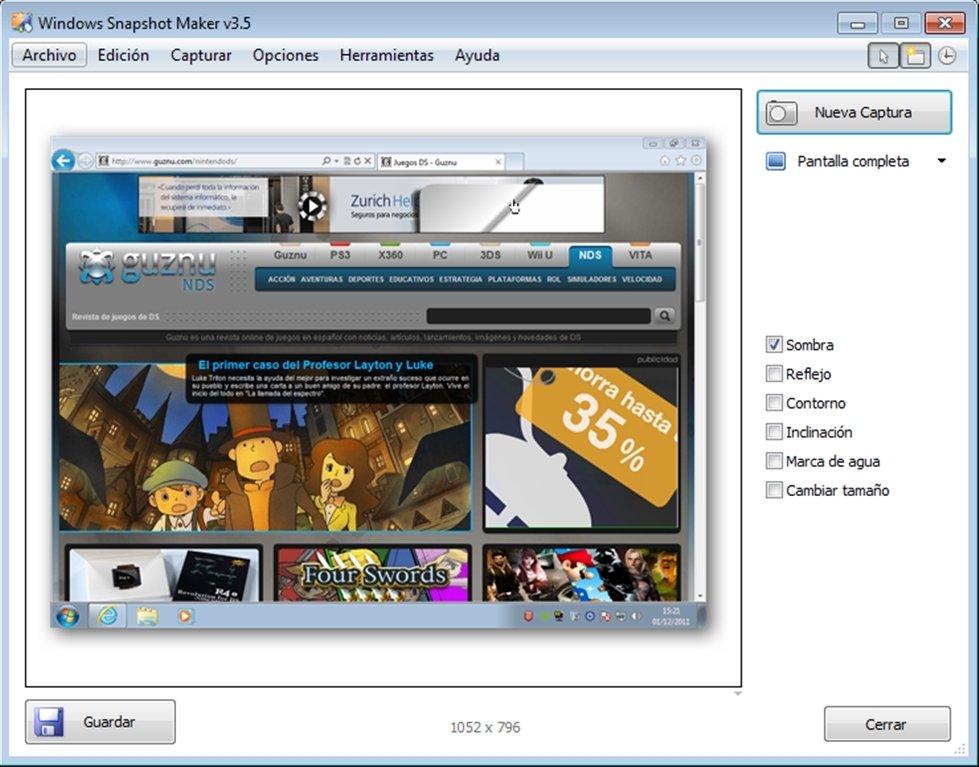
WinSnap is a tool with which not only will we be able to take screenshots but we will also be able to do so with great ease and with a series of options that aren't available in other similar programs.
One of the main features of this software is its capacity to be able to take captures of windows with round corners (like those of Windows Vista or Windows 7), very useful if we don't want the images that we take to lose certain appeal.
I'is also capable of eliminating the effect of the Aero environment, it allows us to take images in PNG format with two different types of backgrounds and perform multiobject captures (if we need to capture two windows of the same program at the same time).
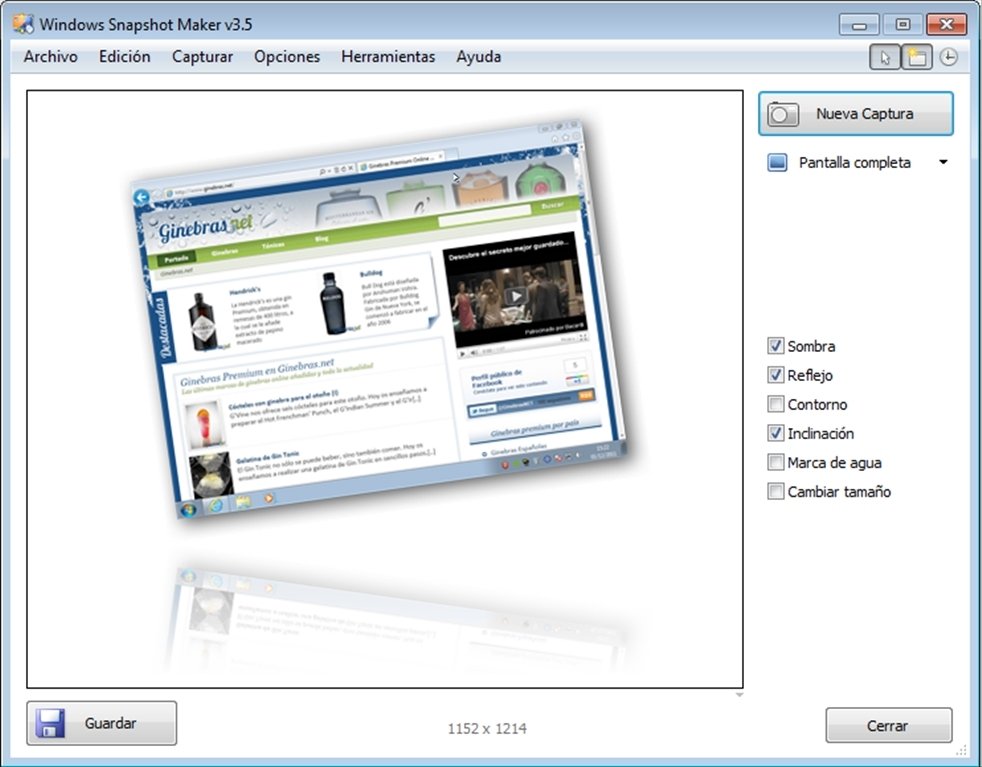
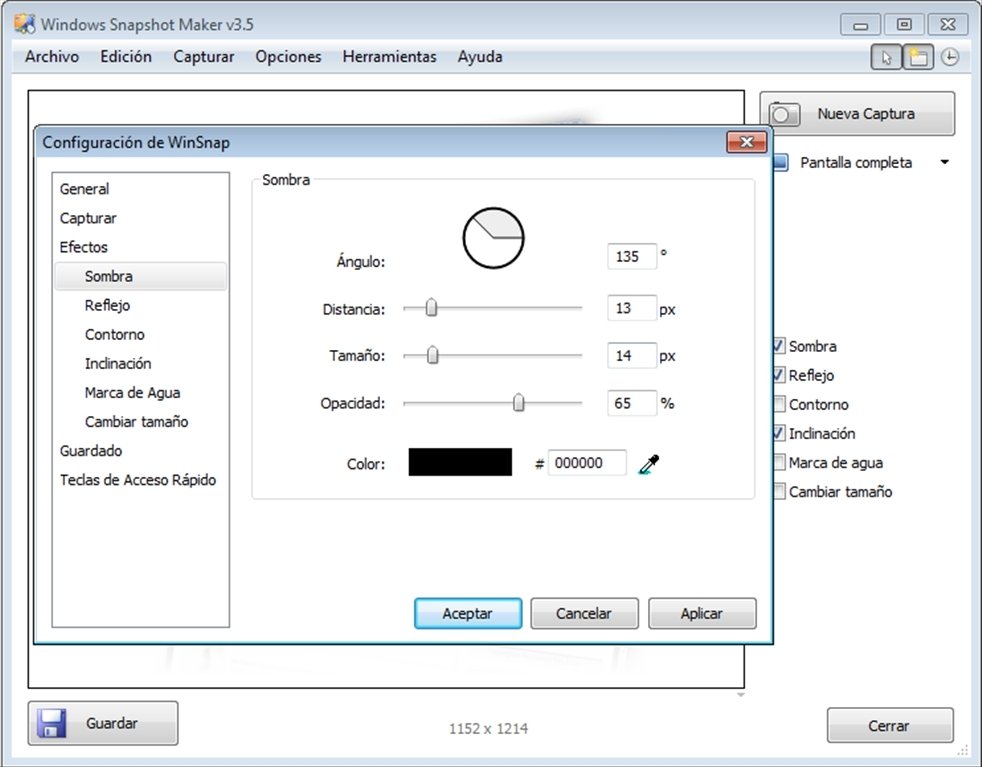
Once we have taken the screenshot we will be able to apply effects like reflections, shadows, outlines or apply a watermark, as well as being able to choose the format, the quality and the size of the image.
Requirements and additional information:
- The trial version can be used for 30 days.
 Antony Peel
A Telecommunications Engineer, chance led me to the translation industry, where after a few years, I discovered another side of the world of technology while translating what others were writing about mobile applications and software. That...